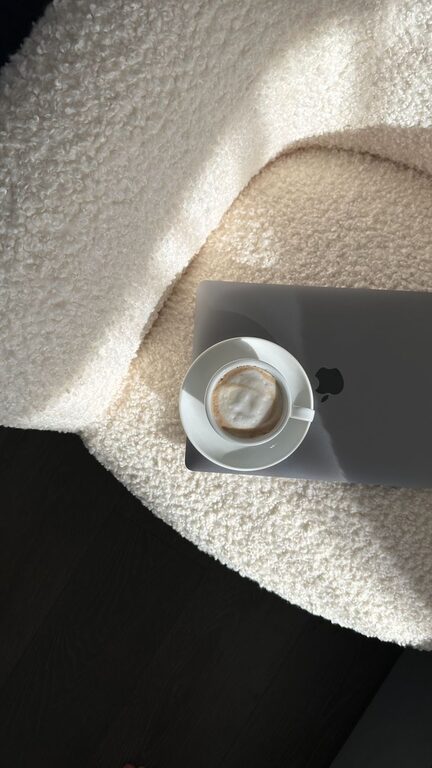
Creating a workspace at home that feels both relaxing and productive can significantly improve your workday experience. Whether you work remotely full-time or need a quiet spot for occasional tasks, setting up a comfortable and organized home office matters. A well-designed space helps reduce stress, promotes focus, and encourages a healthier work routine.
In this post, we’ll explore effective tips for creating a relaxing home workspace designed to boost your productivity and comfort.
Why a Relaxing Workspace Matters
A cluttered or stressful work area can increase anxiety and reduce motivation. When your workspace is calming, it’s easier to concentrate and enjoy the work process. Small changes can make a big difference in how you feel and perform during the day.
Choose the Right Location
Opt for Natural Light
Whenever possible, set up your workspace near a window for natural light. Sunlight helps regulate your body’s internal clock, improving mood and alertness.
Find a Quiet Spot
Select a space away from high-traffic areas or noisy appliances. A quiet environment minimizes distractions and helps you stay focused.
Invest in Comfortable Furniture
Ergonomic Chair
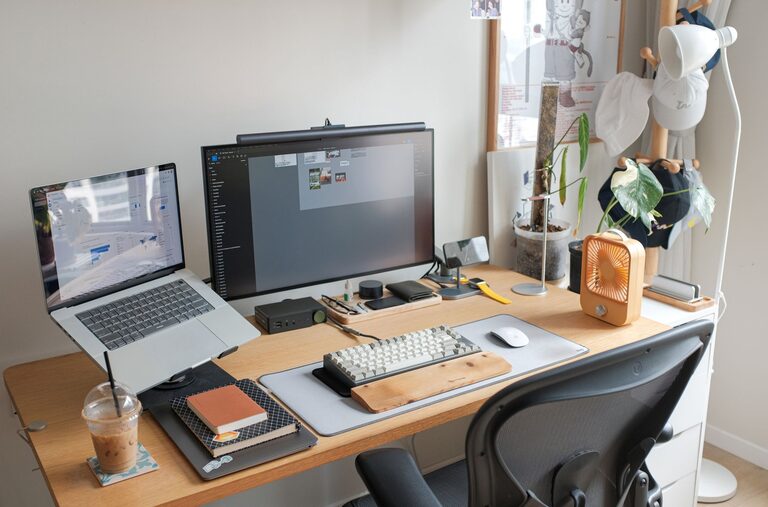
An ergonomic chair supports good posture and reduces the risk of discomfort or back pain. Adjust it so your feet rest flat on the floor and your arms are at a comfortable height for typing.
Functional Desk
Your desk should be large enough for your computer and workspace essentials but not so big that it invites clutter. Consider a standing desk if you want the option to change positions during the day.
Personalize Your Space
Choose Relaxing Colors
Colors like soft blues, greens, or neutrals can create a calming atmosphere. Avoid overly bright or harsh colors which may cause strain.
Add Personal Touches
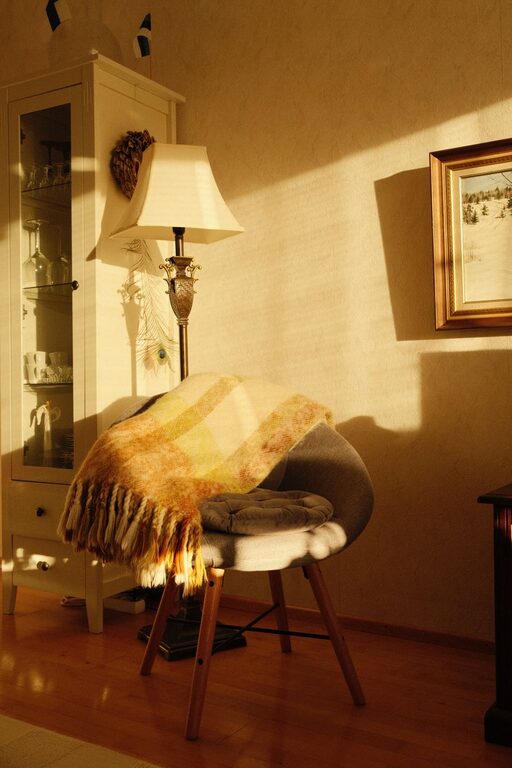
Include items that inspire you such as photos, art, or small plants. These help make the space feel inviting without being distracting.
Organize Efficiently
Declutter Regularly
Keep only what you need on your desk. Clear surfaces help reduce stress and improve focus.
Use Storage Solutions
Use shelves, drawers, or containers to keep paperwork and supplies organized and within reach.
Incorporate Elements of Nature
Add Indoor Plants
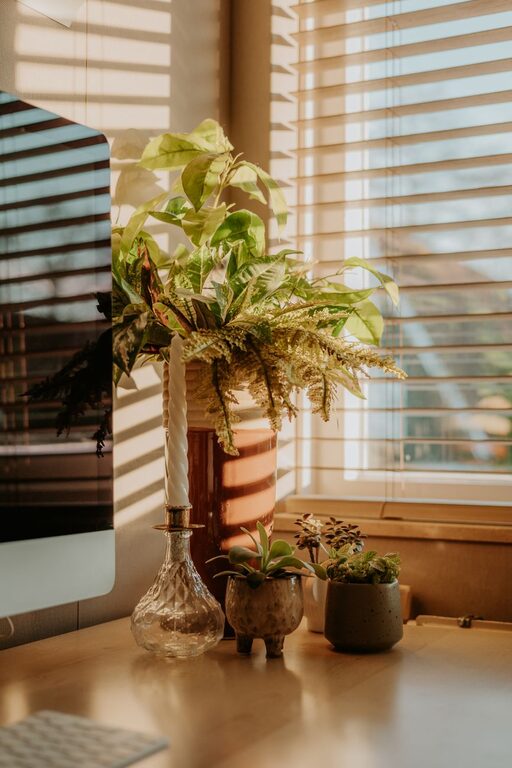
Plants improve air quality and bring a soothing natural vibe to your workspace. Choose easy-care plants like succulents, pothos, or snake plants.
Use Natural Materials
Wooden desks or accessories can add warmth and texture, grounding the space with natural elements.
Manage Lighting Wisely
Layer Lighting
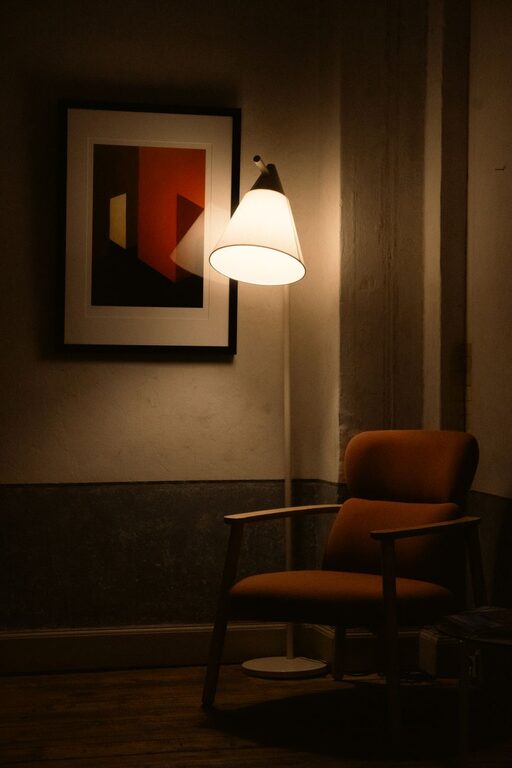
Use a combination of natural light, overhead fixtures, and task lighting. A desk lamp with adjustable brightness can help reduce eye strain.
Control Glare
Position screens to avoid glare from windows or lamps. Anti-glare screen protectors or blinds can also be helpful.
Minimize Noise Distractions
Use Noise-Canceling Tools
Noise-canceling headphones or white noise machines can help block out disruptive sounds.
Soundproof if Possible
Heavy curtains, rugs, or door draft stoppers can help absorb sound and create a quieter environment.
Maintain a Comfortable Temperature
Ensure your workspace is neither too hot nor cold. A small fan, space heater, or adjustable thermostat can make a big difference in comfort.
Establish Boundaries and Routine
Set Work Hours
Define clear working hours to separate work and personal time. This helps maintain balance and reduces burnout.
Take Regular Breaks
Short breaks help reduce eye strain and refresh your mind. Use a timer or app to remind yourself to stand up and stretch.
Include Wellness Practices
Keep Water Nearby
Staying hydrated is important for focus and overall health.
Don’t Forget Movement
Incorporate stretches or short walks into your routine to relieve tension and boost energy.
—
By thoughtfully designing your home workspace with comfort and relaxation in mind, you create an environment that supports your best work. Remember, the goal is to build a space that feels inviting, reduces distractions, and encourages productivity. Small changes today can lead to big improvements in how you work and feel every day.
About the Author