Creating an organized workspace is more than just tidying up your desk; it’s about setting up an environment that helps you focus, reduces stress, and enhances your productivity. Whether you work from home, in an office, or a shared space, maintaining a neat and functional workspace is key to getting things done efficiently.
In this post, we’ll explore practical tips to organize your workspace that anyone can apply, no matter the size or type of your work area.
Why Organizing Your Workspace Matters
A cluttered workspace can lead to distractions and wasted time looking for items. On the other hand, an organized environment supports clear thinking, quick access to tools and documents, and a positive work mindset.
By organizing your workspace, you can:
– Minimize distractions
– Save time
– Reduce stress
– Enhance your focus
– Improve your work habits
1. Start with a Clean Slate
Begin by clearing everything off your desk and work area. This “clean slate” allows you to assess what you really need within arm’s reach and what can be stored elsewhere.
– Remove all items from your desk.
– Wipe down surfaces to refresh the area.
– Sort items into categories such as necessary, optional, and unnecessary.
2. Declutter and Prioritize
Keep only the items that you use daily or weekly at your main workspace. Extra supplies, papers, or gadgets should be stored out of sight but easily accessible.
– Throw away or recycle old papers and broken equipment.
– File important documents in labeled folders or drawers.
– Put rarely used items in storage bins or boxes.
3. Optimize Desk Space
How you arrange your desk can impact your workflow. Here are ways to maximize your desk’s efficiency:
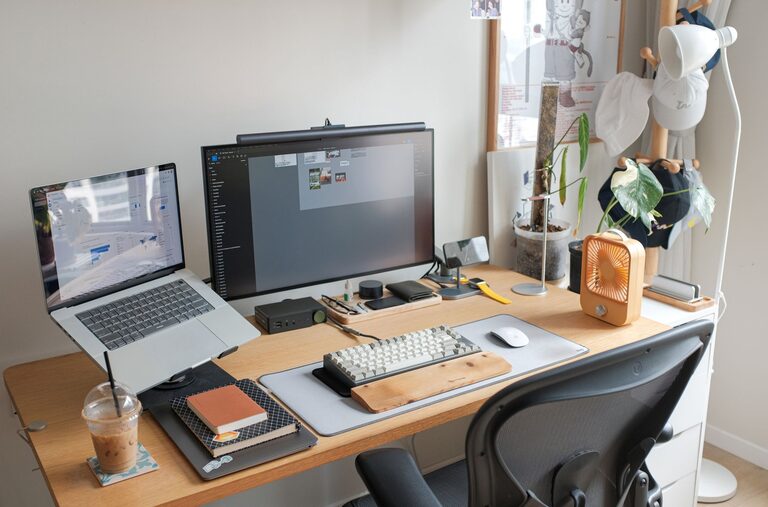
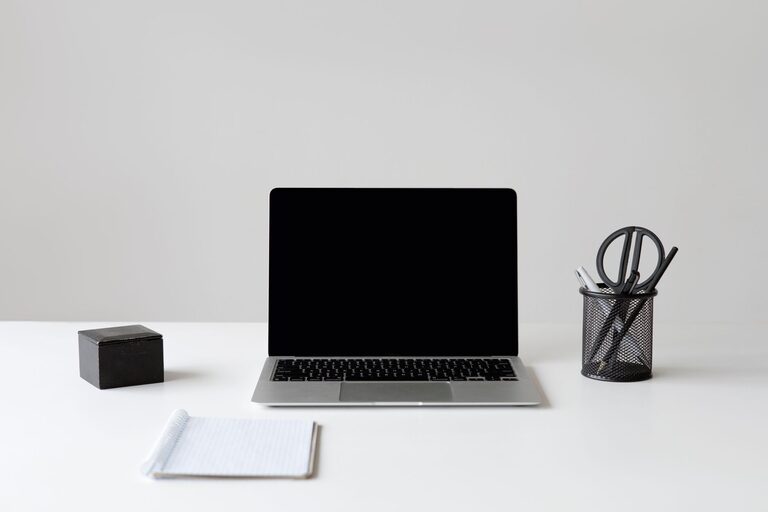
– Place your computer or laptop front and center.
– Keep essential tools like pens, notepads, and a phone holder within reach.
– Use vertical space with shelves or wall organizers to free up desk surface.
– Invest in desk organizers or trays to separate items and keep them orderly.
4. Manage Cables and Electronics
Disconnected cables create a messy appearance and can become tangled, which is frustrating to manage.
– Use cable clips, sleeves, or ties to bundle wires.
– Label cables for easy identification.
– Consider wireless devices to reduce cable clutter.
– Ensure chargers and electronic devices have a designated spot.
5. Personalize Thoughtfully
Adding a few personal touches can make your workspace inviting and motivating, but avoid overdoing it as it can lead to unnecessary clutter.
– Include a small plant or photo.
– Use a colorful mousepad or calendar.
– Choose a comfortable chair and desk accessories that reflect your style while keeping functionality in mind.
6. Create Zones for Different Tasks
If you have enough space, set up zones for different activities, such as a computer work zone, a writing zone, and a reference or reading zone.
– Use trays or bins to separate tasks.
– This separation can mentally prepare you for specific types of work and prevent mixing tasks unnecessarily.
7. Develop Daily and Weekly Habits
Keeping your workspace organized is an ongoing process. Make simple habits part of your routine:
– Spend 5 minutes at the end of each day tidying your desk.
– Organize paperwork and file documents weekly.
– Regularly check and clean out your supply drawer or storage bins.
8. Utilize Digital Organization
Reducing physical clutter also involves managing your digital workspace.
– Organize your computer desktop and files into folders.
– Regularly clean your inbox and delete unnecessary emails.
– Use digital note-taking apps to reduce paper usage.
9. Lighting and Ergonomics Matter
An organized workspace isn’t just about tidiness. Proper lighting and ergonomics contribute to comfort and productivity.
– Position your desk near natural light when possible.
– Use adjustable desk lamps to reduce eye strain.
– Arrange your chair and monitor at proper heights to avoid discomfort.
10. Review and Adjust Regularly
Your workspace needs may change over time. Periodically evaluate your setup and make changes to improve comfort and efficiency.
– Ask yourself what’s working and what’s distracting.
– Don’t hesitate to rearrange or add organizational tools when needed.
—
By implementing these tips, you can create and maintain a workspace that supports your best work. Remember, organization is personal — find what setup feels right for you and helps you stay focused. A tidy workspace is not just about looks; it’s a foundation for doing your best every day.
About the Author